Timeshift: Snapshots Are Not Backups
One of the first tools many Arch Linux users install is Timeshift. After creating their first snapshot, it’s easy to feel like the system is fully protected. I thought the same thing when I first started using it.
The reality is a little different. Timeshift is an excellent recovery tool, but it isn’t a backup solution. Understanding that difference can save you from unpleasant surprises.
What Timeshift actually does
Before looking at commands, it helps to understand what a snapshot actually is. A snapshot is a saved copy of your system’s state at a specific point in time — not a copy of your files sitting somewhere safe, but a checkpoint you can roll the whole system back to.
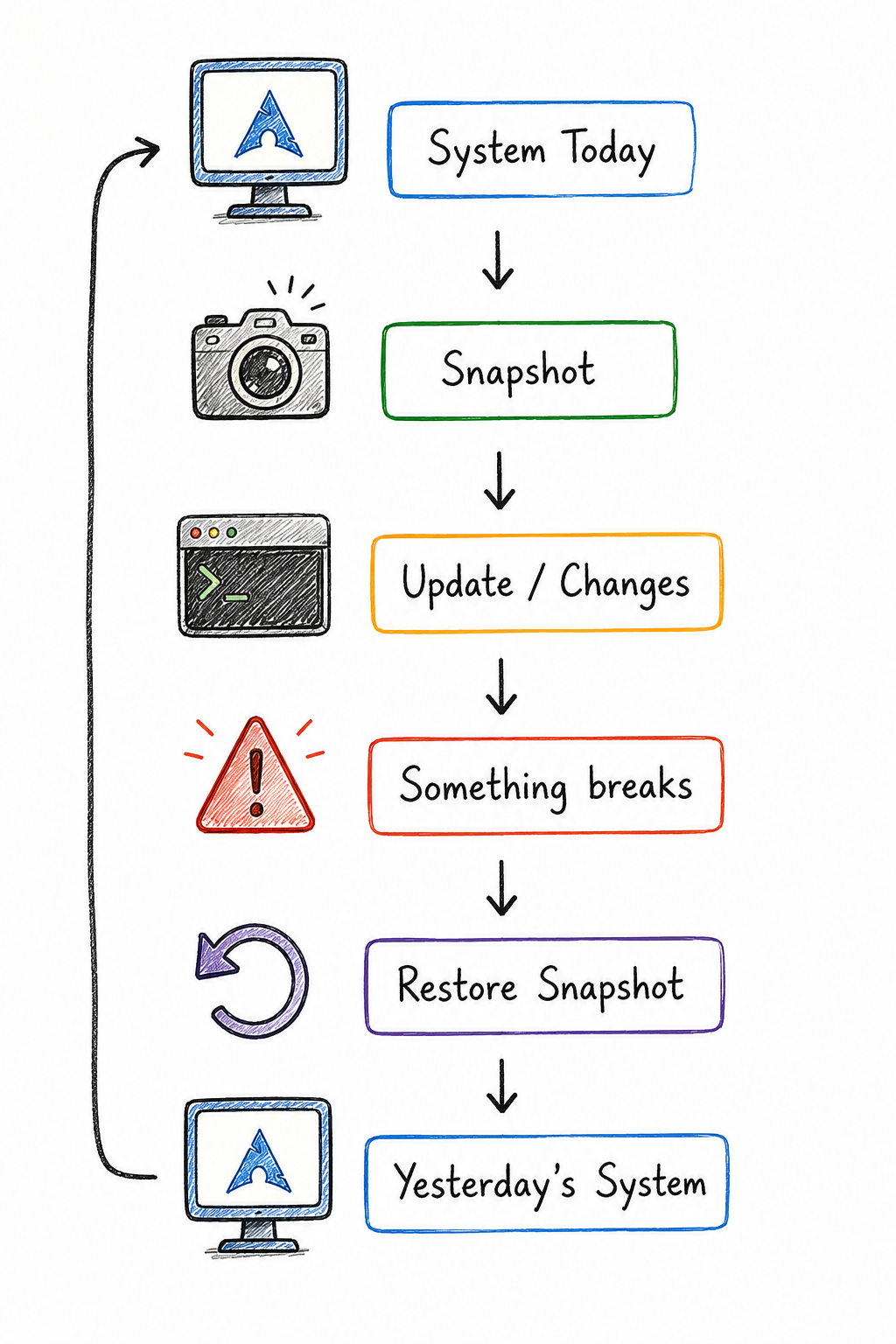
A snapshot lets you return your system to an earlier state.
That’s the entire mental model. Timeshift doesn’t watch your files or protect anything going forward — it just gives you a point you can rewind to.
What Timeshift protects
A snapshot captures the state of your system, which typically includes:
- System files
- Installed packages
- Configuration files
- Bootloader (depending on setup)
This makes Timeshift excellent for recovering from a bad update, a broken package, or a configuration change that left your system in a worse state than before. That’s exactly the scenario it was designed for.
What it doesn’t protect
This is the part that matters most.
Suppose your SSD dies tomorrow. Where are your photos? Where are your documents? Where is your Git repository?
They’re gone.
A snapshot stored on the same disk disappears with the disk. Timeshift protects you from software problems — bad updates, broken configs, a misbehaving package. It does nothing for hardware failure, theft, or a drive that simply gives out one day, because the snapshot never left the drive that failed.
Snapshots vs backups
| Snapshots | Backups | |
|---|---|---|
| Recovers from | Bad updates | Disk failure |
| Storage location | Usually same disk | Usually another disk |
| Restore speed | Fast | Slower |
| What it protects | System state | Your data |
| Survives disk failure? | ❌ No | ✅ Yes |
They solve different problems, which is why the right setup uses both — not one instead of the other.
If you’re running Timeshift today, it’s worth checking one thing: where are your snapshots actually stored? If the answer is “the same drive as everything else,” that’s the gap I was trying to close in this article.
Discussion